
Cookie Info Script in 2026: What a Free Banner Helps With, What It Misses, and 7 Live Checks
Anyone evaluating cookie info script in 2026 is really balancing operational risk, marketing ambition, and buyer trust at the same time. A policy page alone does not solve that problem; the workflow behind the site does.
The decision around cookie info script usually turns on trust, conversion, and operational risk at the same time. The teams that get it right are the ones that test the live journey instead of relying on policy language alone.
Cookie Info Script still positions itself as a lightweight banner that is “free, fast and painless” and “designed to help” websites comply with EU cookie rules. That makes it appealing to small teams that want a visible notice quickly. But modern cookie compliance is not only about showing a banner. It is about how consent is collected, whether refusal is real, which trackers actually load, and whether the privacy page stays aligned with the live runtime.
If you want nearby context first, start with these guides to cookie notice, cookie compliance solution, and cookiebot pricing. This page stays narrower. It is the cookie info script review I would use this week before trusting a free banner on a live site.
If your team is trying to get cookie info script under control without adding a heavyweight privacy stack, DataShyre can help. DataShyre focuses on consent and preference management that are easier to implement, easier to operate, and easier to trust on a live site. Start with DataShyre’s consent and preference management or book a demo.
If your team is weighing Cookie Info Script against a more complete setup, DataShyre can help with consent implementation, script blocking review, privacy-page alignment, and runtime QA. That matters most when a simple banner looks inexpensive up front but the site also needs real refusal logic, vendor visibility, region-aware behavior, or evidence that the setup actually works.
1. Start by reading what the script really offers
The first cookie info script mistake is assuming a free banner automatically equals a modern consent program.
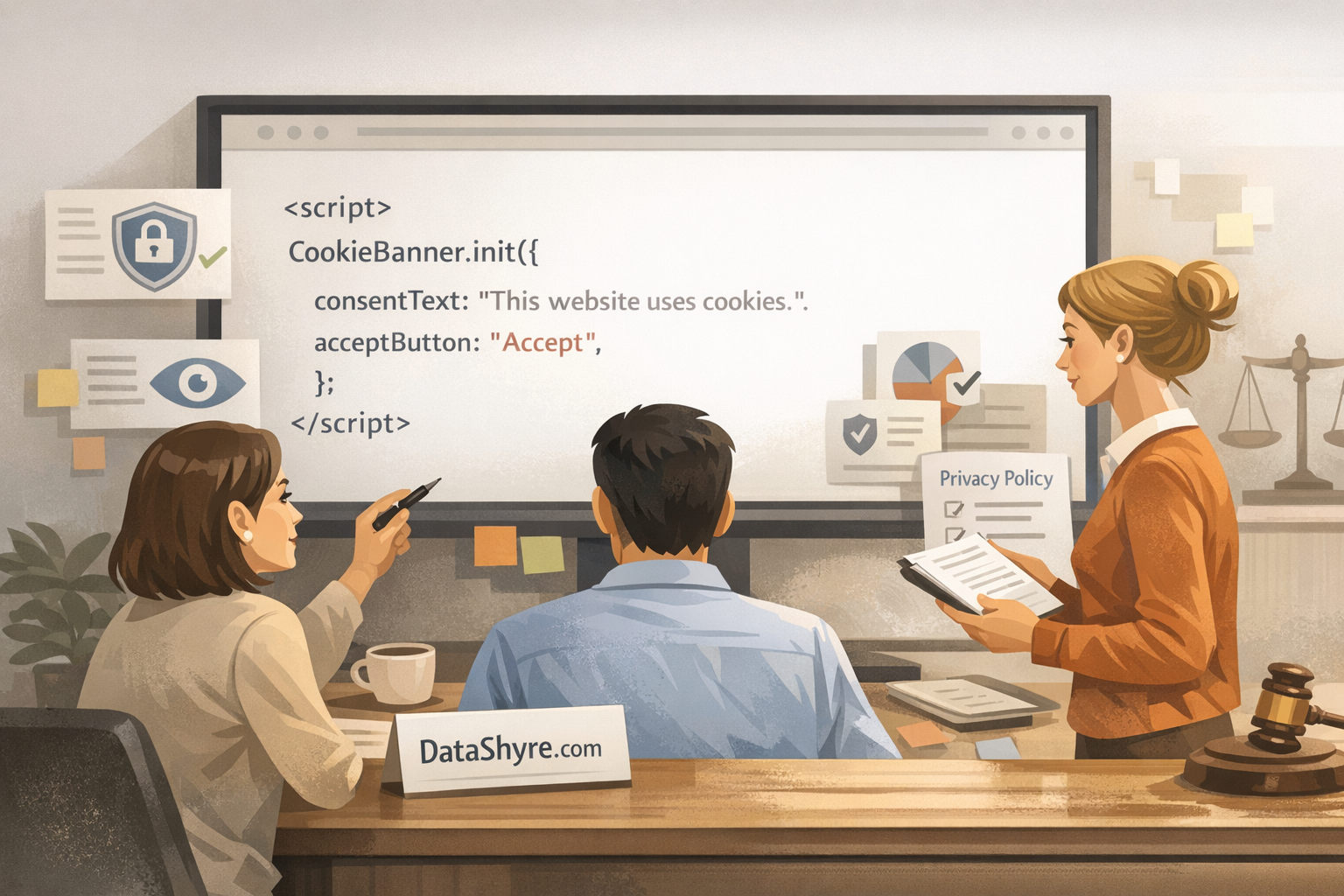
The public product page is straightforward about what it is. Cookie Info Script offers a small JavaScript snippet you place before the closing tag. It displays a floating banner, links to more information about cookies, and remembers that the user acknowledged the banner after clicking the close button.
That is useful as a starting point.
It is not the whole job.
Before relying on cookie info script, decide whether your team only needs a basic information banner or whether you also need:
- a real reject path;
- category-based choices;
- prior blocking for optional trackers;
- consent records;
- region-aware behavior across EU, UK, and California traffic.
That distinction saves a lot of rework later.
2. Treat passive acceptance options as a compliance risk, not a convenience
This is the sharpest practical issue on the page.
Cookie Info Script’s customization options still include settings where clicking on a screen mask counts as acceptance and where “window scrolling is considered as acceptance.” Those options may feel convenient for getting a banner out of the way, but they are exactly the kind of mechanics that deserve a hard second look in 2026.
The CNIL’s current position is plain: “rejecting cookies should be just as easy as accepting them.” It also says cookie-banner information must be clear and complete, and that misleading designs can make consent invalid.
So if your cookie info script setup relies on:
- scroll-based acceptance;
- blanket mask clicks as acceptance;
- a banner that mainly pushes users toward one outcome;
- vague wording that blurs acknowledgment and consent,
then the safer move is to disable those shortcuts and review the design against current expectations.
3. Add a real refusal and revisit path before calling it compliant
A lot of free-banner deployments stop too early.
Cookie Info Script makes it easy to show a banner and remember that a user closed it. But a modern cookie info script review should ask a stricter question: what happens when the user wants to refuse optional tracking, or change the choice later?
That matters because a simple close action is not the same thing as a balanced consent flow.
For a live site, I would want to see:
- a visible refusal path where consent rules require one;
- a way to reopen the banner or preference screen later;
- language that separates necessary functions from optional analytics, advertising, or personalization;
- a link to the fuller cookie or privacy documentation.
If your current implementation cannot do that cleanly, this is usually the point where a basic banner starts to feel thin.
4. Audit the real trackers, not only the banner copy
The next cookie info script failure mode is thinking the legal risk stops at cookies alone.
The ICO’s April 29, 2026 storage-and-access guidance explicitly covers cookies, “tracking pixels”, device fingerprinting, and similar technologies. That is important because many sites now collect data through tags, pixels, chat widgets, embedded video, schedulers, and third-party scripts that do more than set one obvious browser cookie.
Cookie Info Script’s own site adds another useful reminder: because the script is hosted through AWS and Cloudflare, there can be additional cookies from those companies that teams should be aware of and include in the privacy policy.
So for cookie info script, the practical review is:
- inventory the live scripts, embeds, and tag-manager rules;
- compare them against the banner language and privacy page;
- check which third parties receive data;
- verify that optional technologies do not quietly load before the user chooses.
If the banner says one thing and the runtime does another, the banner is decorative.
5. Check whether your advertising and analytics stack needs more than a free banner
This is where many teams outgrow a lightweight script.
Google’s current Ad Manager help still says publishers in the EEA and UK must “obtain their consent” where legally required for cookies or other local storage, keep records of consent, and provide clear revocation instructions when using Google ad products under the EU User Consent Policy.
That means a cookie info script setup should be reviewed extra carefully if the site uses:
- Google Ads or Ad Manager;
- GA4 or other analytics tools;
- retargeting pixels;
- marketing automation embeds;
- consent-aware tag-manager workflows.
If the site needs consent evidence, vendor disclosures, granular controls, or stronger runtime gating, a free notice script may not be enough on its own. This is also a good point to bring in DataShyre for implementation help if the issue is less about banner copy and more about how GTM, analytics, pixels, and consent logic actually behave.
6. Keep the privacy page and the banner in sync
A cookie info script deployment is easy to underestimate because the visible part is so small.
But the visible part has to stay aligned with the rest of the privacy layer:
- the cookie notice or banner;
- the cookie policy or privacy policy;
- the list of third parties and purposes;
- the actual site behavior after accept, reject, or no action.
This is where cheap setups quietly get expensive. Someone adds a new analytics tool, chat widget, A/B test, or campaign pixel, and the banner text never changes. Weeks later, the site still talks like it only uses a few simple cookies.
If you use cookie info script, set an operating rule now: every new script, embed, or tag change triggers a quick privacy review. Otherwise the gap between the page and the runtime keeps widening.
7. Know when to graduate from a simple script
I do not think every site needs a heavyweight enterprise CMP on day one.
But I do think every team should be honest about when a lightweight banner stops matching the site’s risk.
For cookie info script, that graduation point usually arrives when you need any combination of:
- multi-region rules;
- category-based controls;
- consent logging;
- Google-consent integrations;
- recurring scans and vendor inventories;
- stronger QA across templates and devices.
At that point, keeping the free banner may feel cheaper while actually increasing manual work and uncertainty. A better route is usually either a fuller consent platform or a lighter custom implementation with disciplined testing around it.
A practical 7-step review for this week
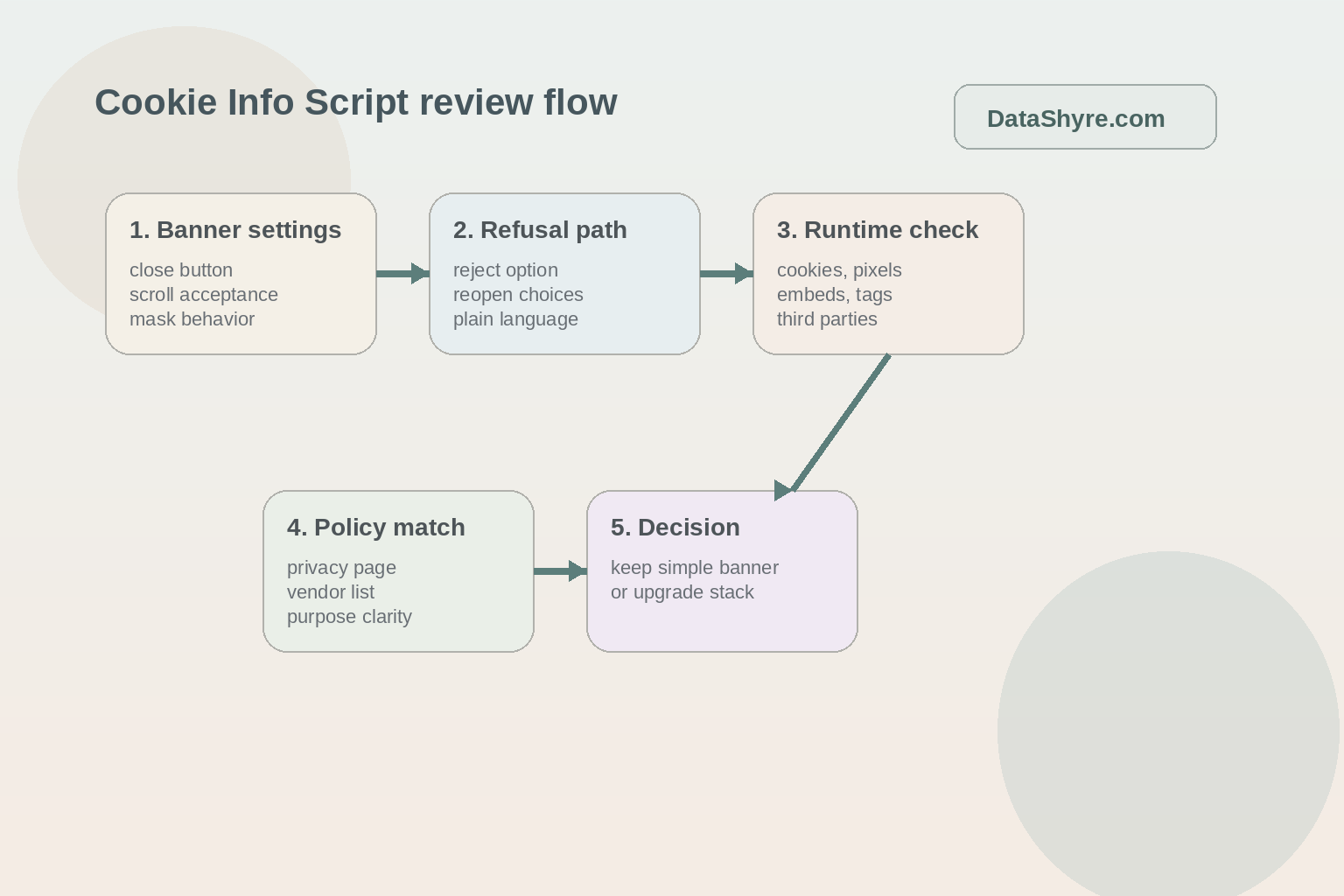
If you were reviewing cookie info script on a live website today, use this order:
- confirm what the script is doing today and where it loads;
- disable passive-acceptance shortcuts like scroll or mask clicks;
- add a real refusal and revisit path if your traffic and rules require one;
- inventory the actual cookies, pixels, tags, embeds, and third parties on the site;
- compare the runtime against the banner and privacy disclosures;
- test ad-tech and analytics behavior before and after consent;
- decide whether the site has outgrown a simple free banner.
That sequence is usually faster and more useful than arguing about banner colors first.
Is Cookie Info Script enough for GDPR and cookie-law compliance?
Sometimes, but only for narrower situations.
A cookie info script can help with visibility and first-layer disclosure. It becomes less reliable as a stand-alone answer when the site needs balanced refusal mechanics, prior blocking for optional trackers, detailed third-party visibility, or proof that user choices actually changed runtime behavior.
Can scrolling or clicking outside the banner count as consent?
That is exactly the kind of shortcut I would avoid unless you have reviewed it very carefully against the laws and guidance relevant to your audience.
For most teams, using cookie info script with passive acceptance features turned on is harder to defend than using a more explicit interaction model with balanced controls.
When should I switch from Cookie Info Script to a fuller consent setup?
The handoff point is usually operational rather than cosmetic.
If your cookie info script deployment now touches GTM, analytics, ad tech, multiple regions, multiple properties, or frequent marketing changes, a fuller consent setup is usually easier to manage than stretching a basic banner beyond its comfort zone.
For most teams, cookie info script becomes easier to manage once it is treated as an operating decision instead of a one-time banner task.